
Sticky Chapters
The layouts that move, with Glide Pro
And a content slider, in full

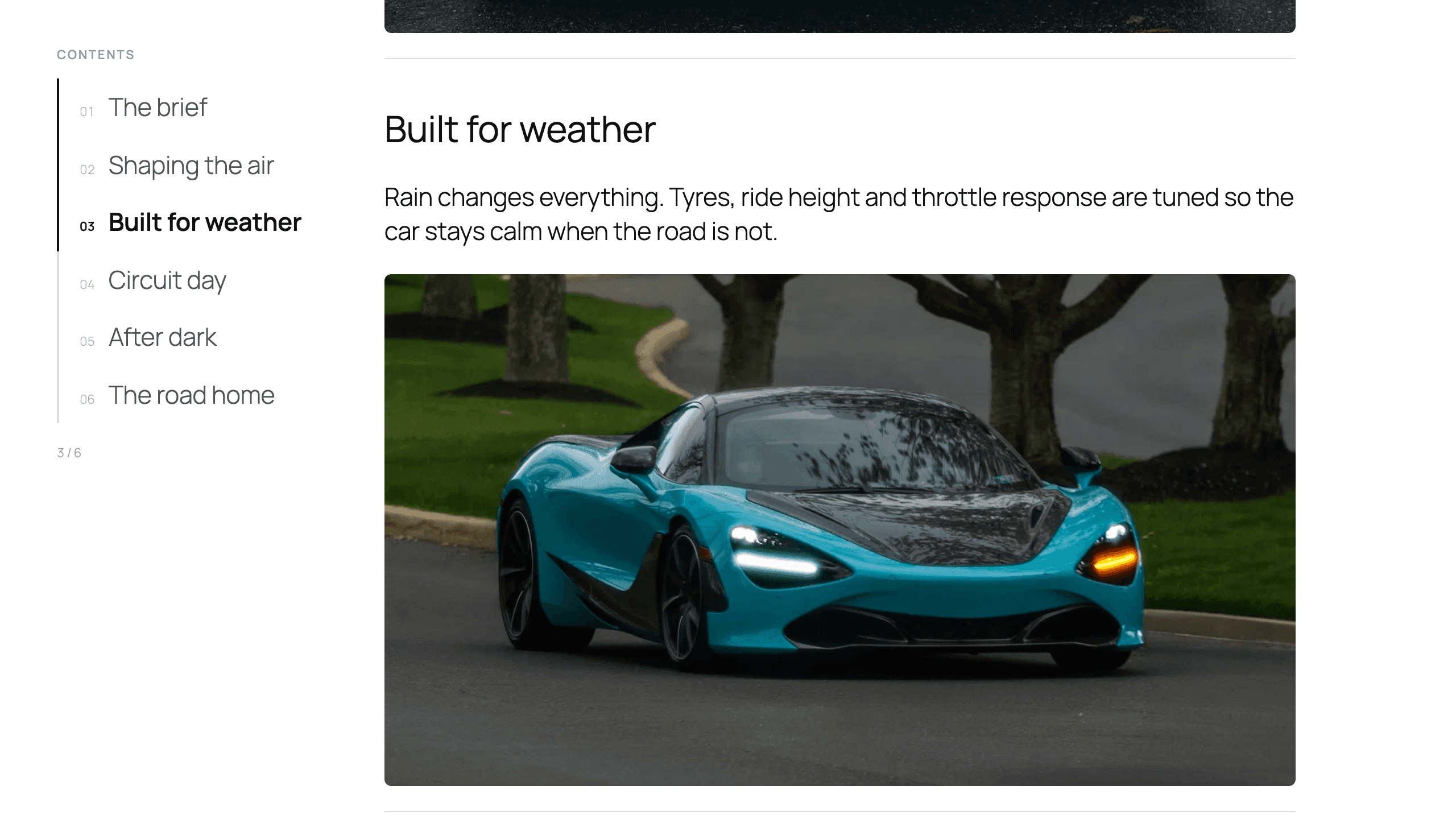
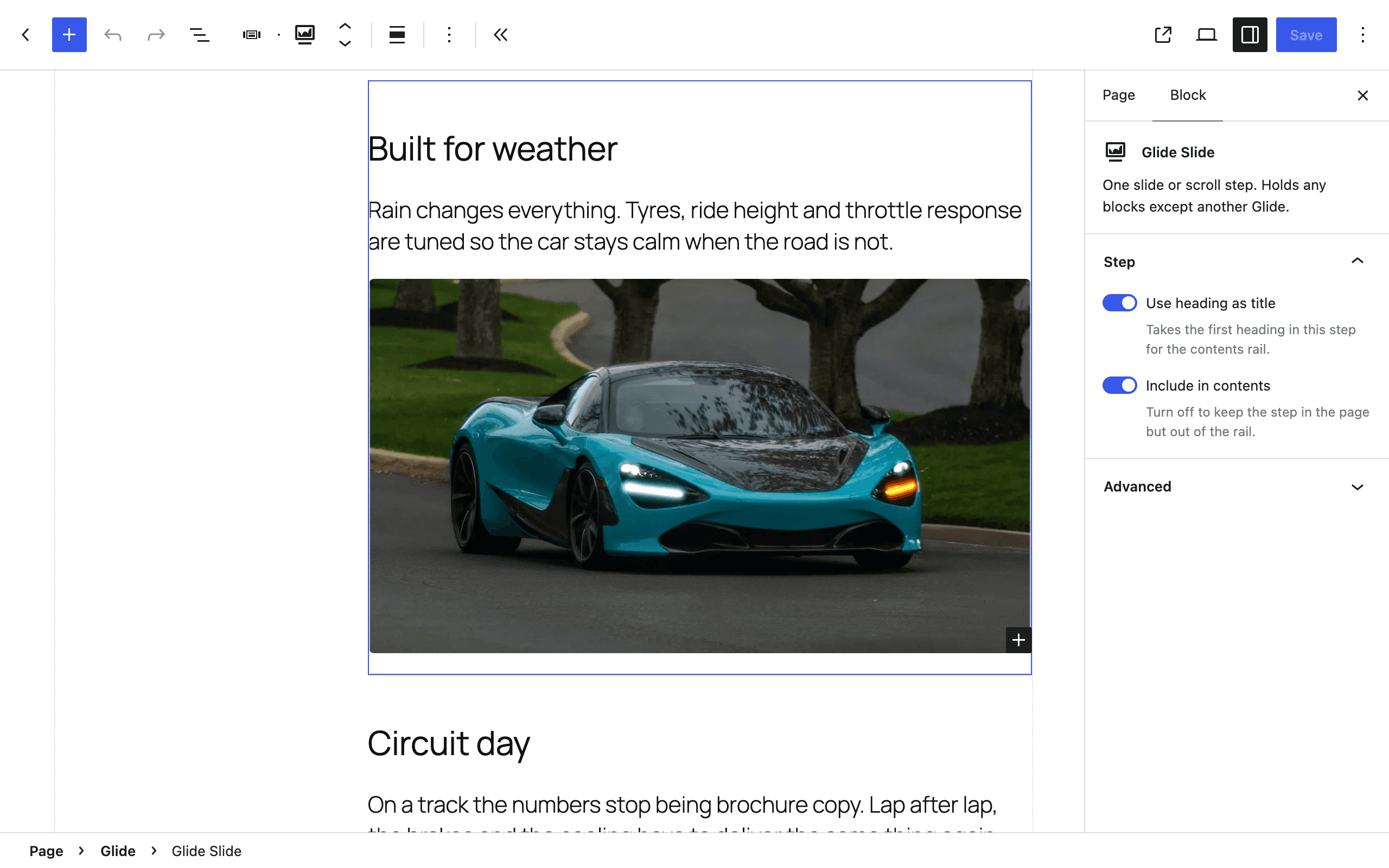
Each step or slide is a Glide Slide, and almost anything can go inside one — headings, paragraphs, images, buttons, columns, anything but another Glide. Your theme styles the text; Glide styles the structure around it.
Each mode's script and stylesheet load only when a block on the page uses it, and the slider's script loads when the block scrolls into view rather than with the page.
In Glide Pro, each chapter's link is made from its title, like #choose-your-layout. An Anchor field pins it, so a link someone has shared keeps working when the title changes.
Get Glide
Free builds the chapters and the slider. Glide Pro adds three more sticky-scroll layouts and a marquee.
Pro
Everything in Free, plus the layouts that move — Sticky Media, Stacking Cards and Horizontal Pin — a marquee, and the Scale and Barn Doors slide transitions.
- Sticky Chapters: a contents rail that stays in view beside your steps on wider screens
- Chapter links that work with JavaScript switched off
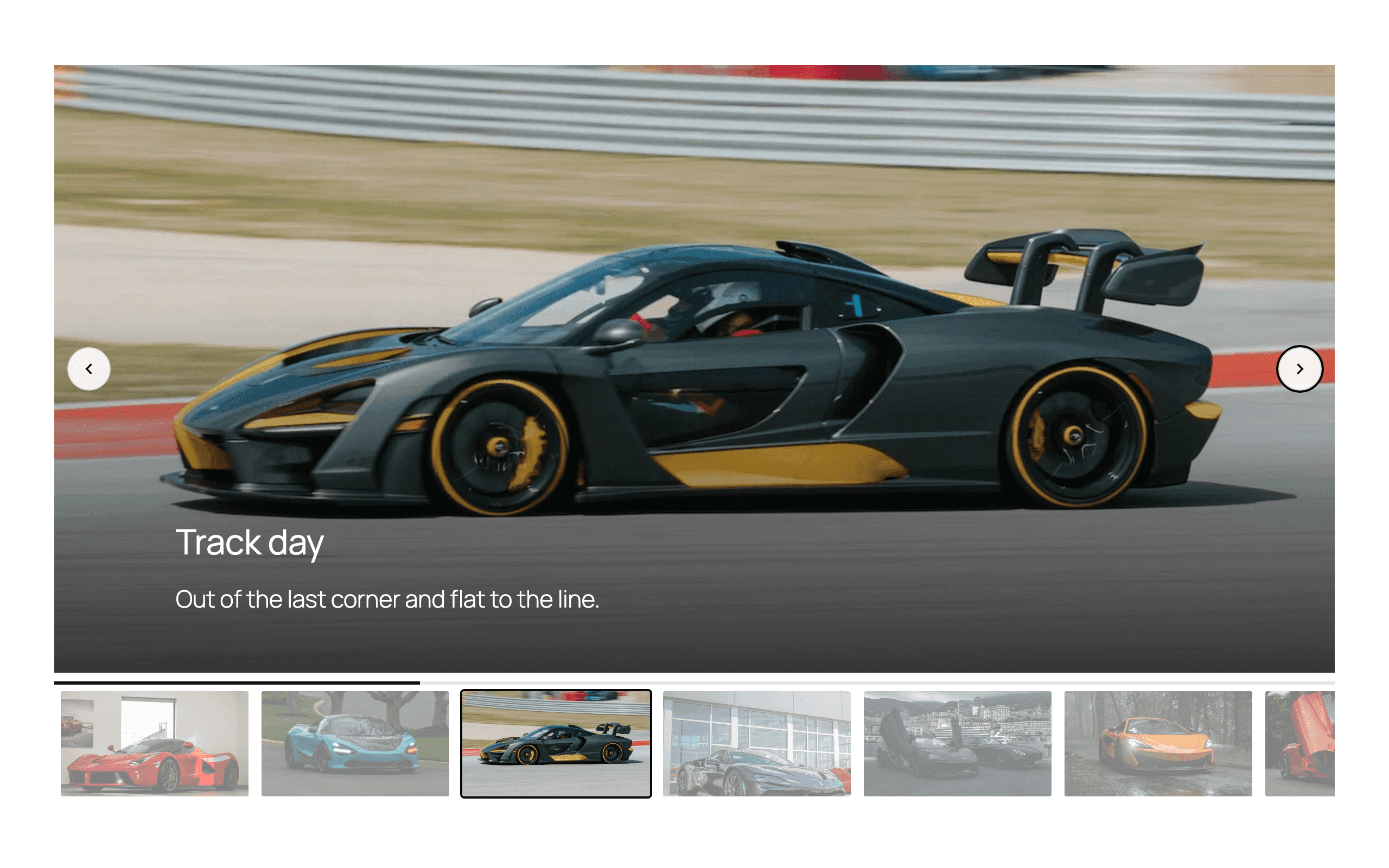
- Content slider with arrows, dots, a progress bar or no controls
- Autoplay, loop and drag-free scrolling
- One to six slides per view
- Thumbnail navigation
- Video backgrounds from your Media Library, YouTube or Vimeo
- Fade transition, at one slide per view
- Testimonial pattern, with a star rating block
- Any blocks inside a slide, except another Glide
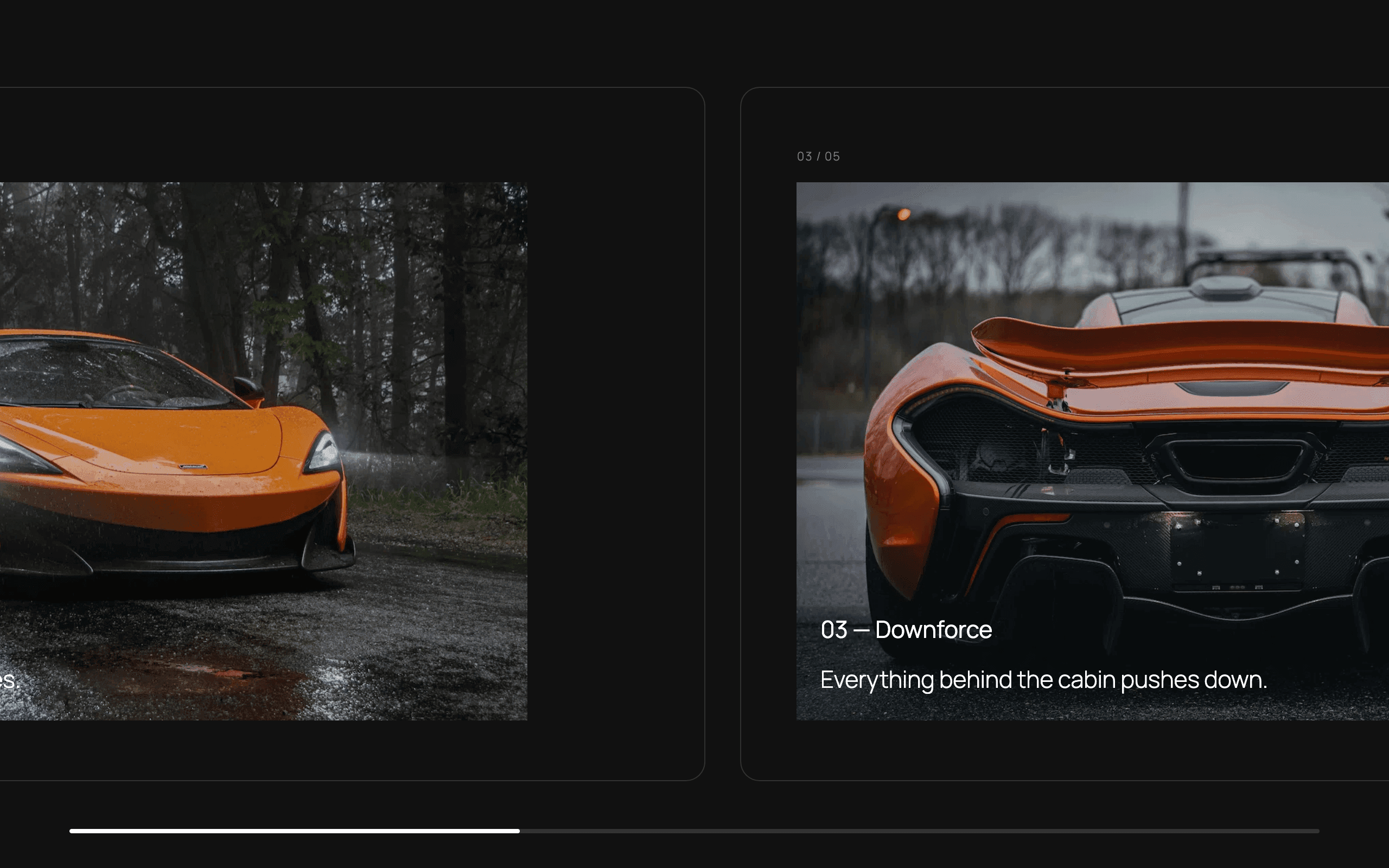
- Sticky Media: a media pane that holds while the story scrolls past
- Stacking Cards: cards that pile up, each sliding over the last
- Horizontal Pin: the section holds while its panels travel sideways
- Marquee: a continuous loop of any blocks
- Scale and Barn Doors slide transitions
- Chapter links made from each step's title, with an Anchor field to pin one
- Dedicated support
Price for one site. Every release while your subscription is active, new major versions included — a lapse stops updates, never the plugin.
Pro Forever
Everything in Free, plus the layouts that move — Sticky Media, Stacking Cards and Horizontal Pin — a marquee, and the Scale and Barn Doors slide transitions.
- Sticky Chapters: a contents rail that stays in view beside your steps on wider screens
- Chapter links that work with JavaScript switched off
- Content slider with arrows, dots, a progress bar or no controls
- Autoplay, loop and drag-free scrolling
- One to six slides per view
- Thumbnail navigation
- Video backgrounds from your Media Library, YouTube or Vimeo
- Fade transition, at one slide per view
- Testimonial pattern, with a star rating block
- Any blocks inside a slide, except another Glide
- Sticky Media: a media pane that holds while the story scrolls past
- Stacking Cards: cards that pile up, each sliding over the last
- Horizontal Pin: the section holds while its panels travel sideways
- Marquee: a continuous loop of any blocks
- Scale and Barn Doors slide transitions
- Chapter links made from each step's title, with an Anchor field to pin one
- Dedicated support
- Yours forever — one year of updates included
Price for one site. Updates for a year, up to the next paid version. After that, keep the build you own — renew updates for $49, or upgrade to a new paid version, when one ships, for $99.